Back to templates
Umami icon

Deploy Umami on Sealos

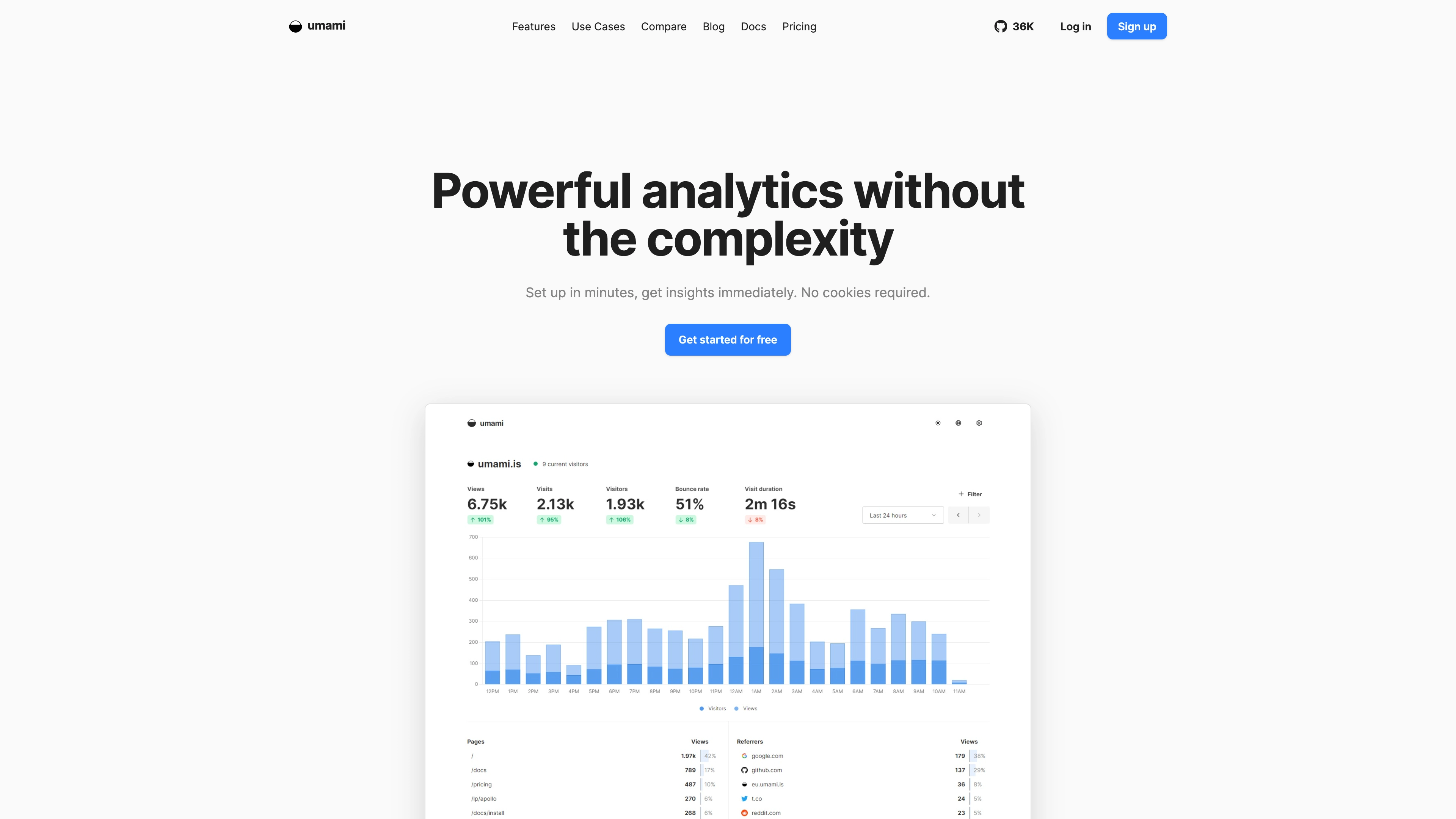
Umami is an open source, privacy-focused alternative to Google Analytics.

Monitoring
Start collecting operational signals with a ready-to-run Umami template.Keep observability data in your own self-hosted environment.Attach persistent storage for logs, metrics, or dashboards.Deploy monitoring infrastructure without manual Kubernetes setup.

Why deploy on Sealos

Sealos makes deploying any app effortless, secure, and production-ready. From one-click launch to ongoing operations, we handle the heavy lifting so you can focus on what matters.

One-Click Deploy
Sealos logo
Compute
Networking
Storage
Security
Observability
Your Application is Live

One-Click Deployment

Deploy any app template in seconds. No compose setup, manual configure, and go live.

Managed Kubernetes Reliability

Built on Sealos Managed Kubernetes for high availability, auto-scaling, and self-healing by default.

Automatic HTTPS & Security

Every deployment includes a secure domain with automatic SSL. We handle certificates and text protection for you.

Persistent Storage

Attach persistent volumes with ease. Your data stays safe, durable, and always accessible.

Scale when needed

Adjust resources as your app grows, no downtime required.

You Get the Whole Stack

Sealos provisions and connects every resource your application needs. Everything is ready to use.

One-click, fully provisionedSecure by defaultProduction ready

App Service

Your application is running and ready to serve requests.

Public HTTPS URL

Secure, global endpoint to access your application.

Database

Managed database instance for your application.

Persistent Volume

Durable storage for uploads and application data.

Environment Variables

Configuration and secrets injected securely into your app.

Logs & Metrics

Centralized logs and basic metrics are enabled.

README

README.md

Umami

Overview

Umami is an open source, privacy-focused alternative to Google Analytics.

This Sealos template deploys Umami as the umami application. It uses the repository-maintained Sealos manifest and keeps deployment, networking, and storage configuration inside the template.

Deploy on Sealos

Open this template in the Sealos App Store, review the configuration values, and click Deploy. Sealos renders the template variables, creates the required Kubernetes resources, and manages the public endpoint for the application.

Access

After deployment, open https://${{ defaults.app_host }}.${{ SEALOS_CLOUD_DOMAIN }}. The concrete hostname is generated from defaults.app_host and your Sealos Cloud domain.

Configuration

The following user-facing inputs are available during deployment:

NameDescriptionRequiredDefault
APP_SECRETreplace me with a random stringtrue<redacted>
TRACKER_SCRIPT_NAMEAllows you to assign a custom name to the tracker script different from the default script.js. This is to help you avoid some ad-blockers.false``

Keep sensitive values in Sealos-managed inputs or generated defaults. Do not commit private credentials to the template repository.

Official Links

Related templates

Explore more production-ready templates.

More

Ready to Stop Configuring and
Start Creating?

Get started for free. No credit card required.

Play